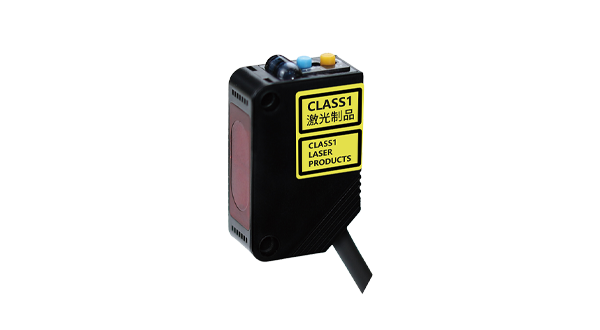










Photoelectric proximity sensors are widely used in industrial automation, robotics, and safety systems due to their non-contact detection capabilities. These sensors work by emitting a beam of light—typically infrared, visible, or laser—and detecting changes in the received light to determine the presence or absence of an object. Unlike mechanical switches, they offer high precision, fast response times, and minimal wear, making them ideal for repetitive tasks. This guide will teach you the fundamentals of photoelectric proximity sensors, including their operating principles, types, installation steps, and troubleshooting tips.
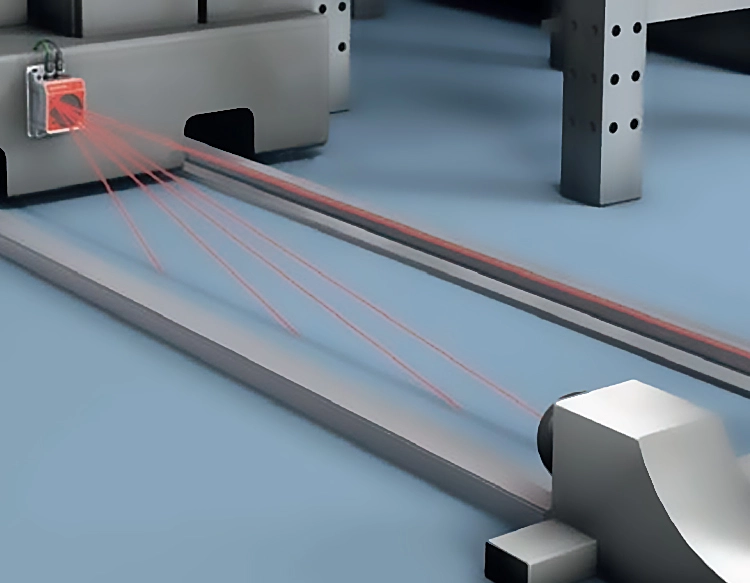
The core principle behind photoelectric sensors involves a transmitter and receiver. The transmitter emits light, which reflects off a target object and returns to the receiver. Depending on the sensor type, detection occurs through different methods: through-beam sensors use separate units for emission and reception, detecting interruptions in the light path; retro-reflective sensors bounce light off a reflector; and diffuse sensors rely on light scattering directly from the object. Each type suits specific applications, such as through-beam for long-range detection or diffuse for varied surface materials.
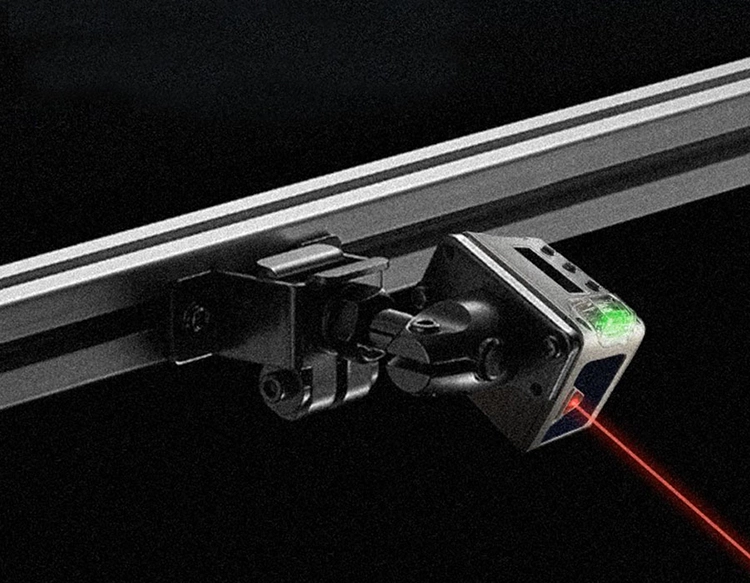
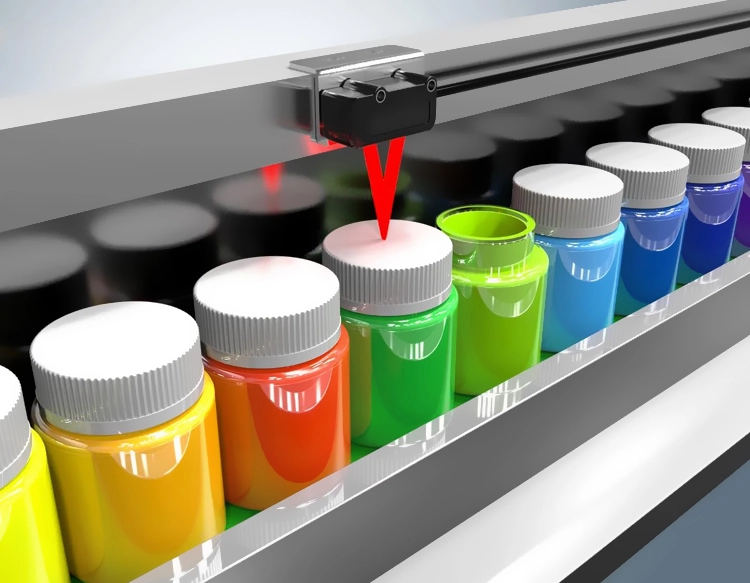
To effectively teach sensor setup, start by selecting the appropriate model based on range, environmental conditions (e.g., dust, moisture), and target properties (e.g., color, material). Installation requires aligning the sensor correctly, ensuring stable mounting to avoid vibrations, and adjusting sensitivity settings via potentiometers or digital interfaces. For example, in conveyor systems, sensors can be positioned to detect item passage or jams, with alignment verified using indicator LEDs. Calibration involves testing with actual objects to fine-tune detection thresholds, avoiding false triggers from ambient light or reflective backgrounds.
Common challenges include interference from external light sources, dirty lenses, or misalignment. Teach users to regularly clean sensor surfaces, use shielding or filters in bright environments, and check wiring connections. Advanced features like background suppression or fiber-optic variants can address complex scenarios, such as detecting transparent objects or operating in tight spaces. Practical exercises, like integrating a sensor with a PLC for automated counting, reinforce learning—document settings and perform routine maintenance to ensure longevity.
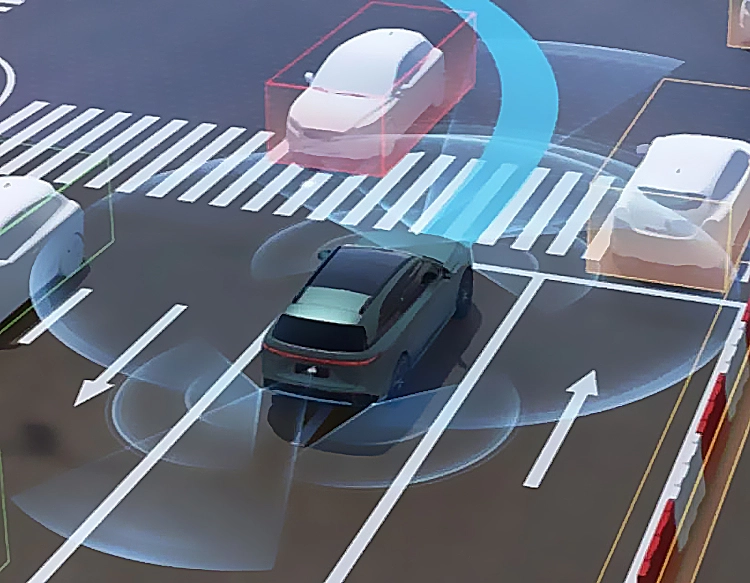
In summary, mastering photoelectric proximity sensors empowers efficient automation. By understanding their technology, applying correct installation practices, and leveraging troubleshooting strategies, users can optimize performance across diverse industries, from manufacturing to smart devices.