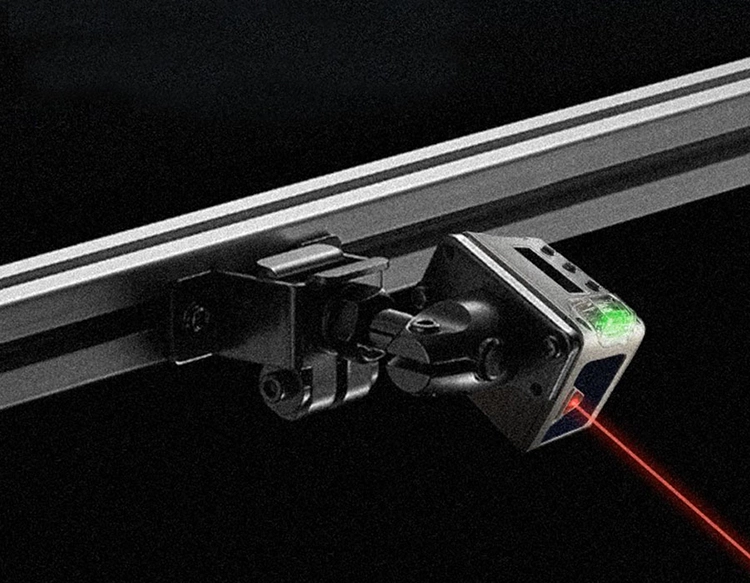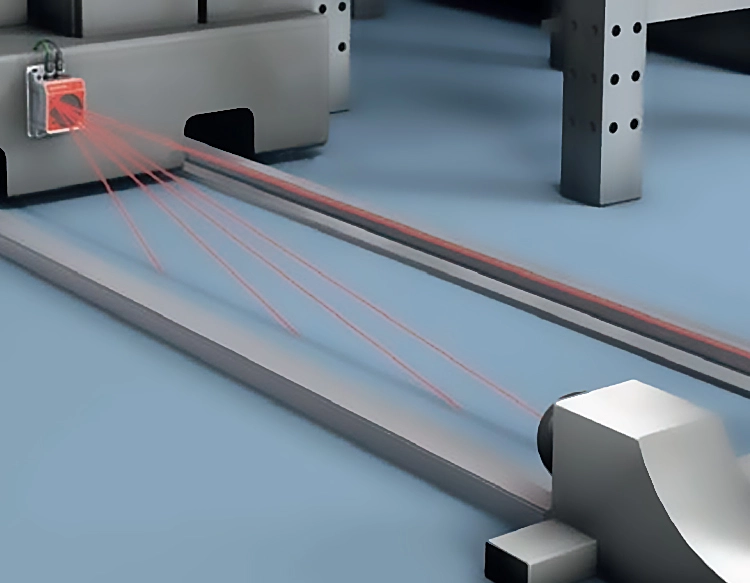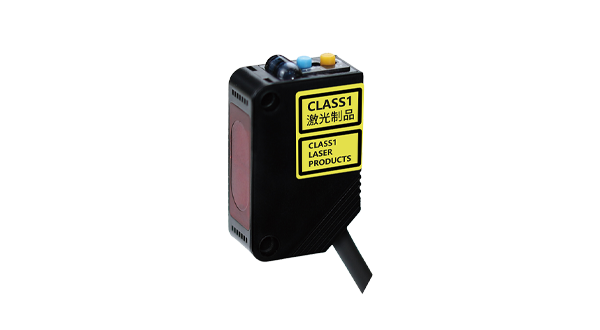










The TOF10120 is a compact laser ranging sensor that utilizes time-of-flight (ToF) technology to deliver precise distance measurements. When paired with an Arduino microcontroller, it becomes an accessible tool for hobbyists, educators, and developers working on projects requiring accurate non-contact distance sensing. This guide provides a comprehensive overview of connecting, programming, and applying the TOF10120 sensor with Arduino boards.
The TOF10120 sensor operates by emitting a laser pulse and measuring the time it takes for the reflection to return. This method allows it to measure distances from a few centimeters up to 120 centimeters with a typical accuracy of ±1%. It communicates via I2C (Inter-Integrated Circuit) protocol, making it straightforward to interface with Arduino's digital pins. The sensor requires a 3.3V to 5V power supply, which aligns perfectly with the Arduino's output capabilities.
To begin, you will need an Arduino board (such as Uno or Nano), a TOF10120 sensor, jumper wires, and a breadboard for prototyping. Connect the sensor's VCC pin to the Arduino's 5V pin, GND to GND, SDA to the analog pin A4 (or the dedicated SDA pin on some boards), and SCL to analog pin A5 (or the SCL pin). Ensure connections are secure to prevent communication errors.
Once hardware is set up, the next step is programming. The Arduino IDE is used to write and upload code. You will need to install the necessary library for the TOF10120, often available through the IDE's Library Manager or from developer repositories. A basic sketch involves initializing the I2C communication, reading distance data from the sensor, and printing it to the Serial Monitor. For example, a simple loop can continuously fetch distance values and display them in centimeters or inches, allowing real-time monitoring.
Calibration may enhance accuracy, especially in varying environmental conditions. The TOF10120's performance can be affected by factors like ambient light or reflective surfaces. Testing in controlled settings and adjusting code thresholds can mitigate inconsistencies. Additionally, averaging multiple readings in your Arduino code can smooth out minor fluctuations, providing more stable data for critical applications.
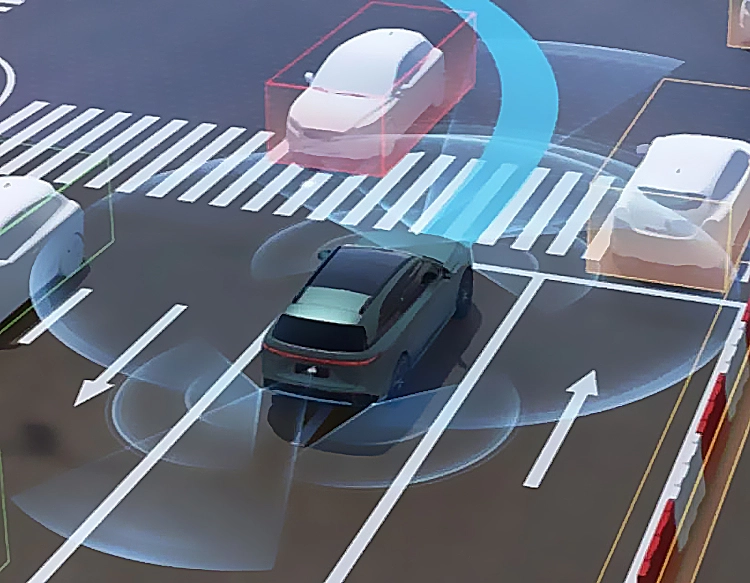
Practical applications of the Arduino-TOF10120 combination are vast. In robotics, it can serve as an obstacle detection sensor for autonomous vehicles or drones. For home automation, it might trigger lights or alarms when motion is detected within a specific range. Educational projects often use it to demonstrate physics principles or to build interactive art installations. Its low power consumption and small form factor make it suitable for portable or battery-operated devices.
When developing projects, consider power management and sensor placement. The TOF10120 draws minimal current, but for long-term deployments, optimizing Arduino's sleep modes can extend battery life. Mounting the sensor securely and ensuring its lens is clean and unobstructed will maintain measurement reliability. For advanced users, integrating the sensor with other components like LCD displays or wireless modules (e.g., Bluetooth or Wi-Fi) can expand functionality, enabling remote data logging or control.
Troubleshooting common issues involves checking wiring connections, verifying I2C addresses in code, and ensuring the sensor is within its operational range. The TOF10120 typically uses a default I2C address, which might conflict with other devices on the same bus; address configuration options are available if needed. Consulting the sensor's datasheet and community forums can provide solutions to specific challenges.
In summary, the TOF10120 laser range sensor offers a cost-effective and precise solution for distance measurement when used with Arduino. By following basic setup and programming steps, users can quickly incorporate it into diverse projects, from simple experiments to complex systems. Its compatibility with the Arduino ecosystem encourages innovation and learning in the fields of electronics and programming. As technology evolves, such sensors continue to empower creators to build smarter, more responsive devices with ease.