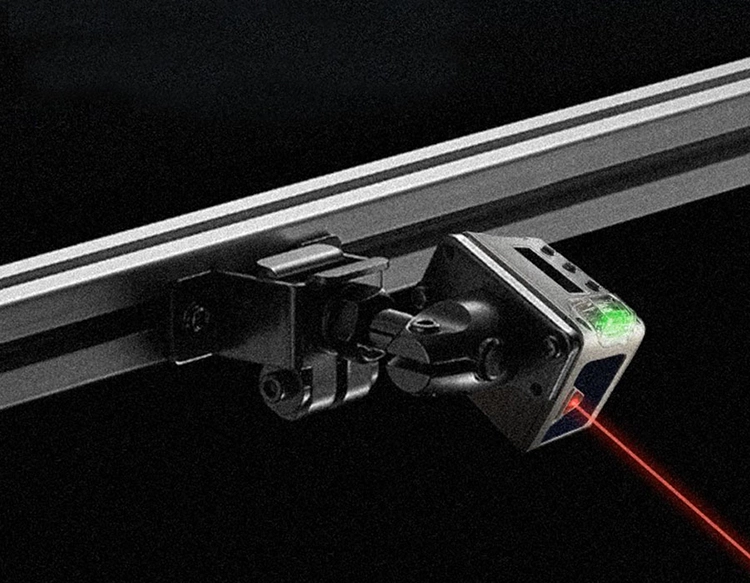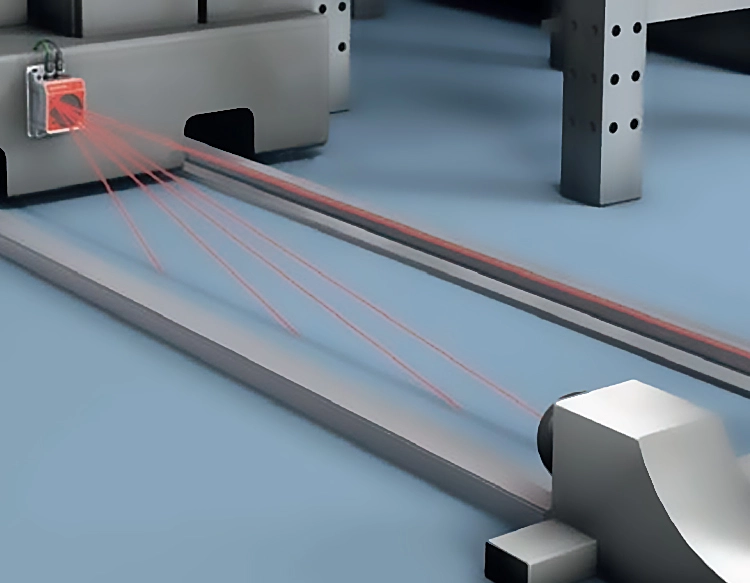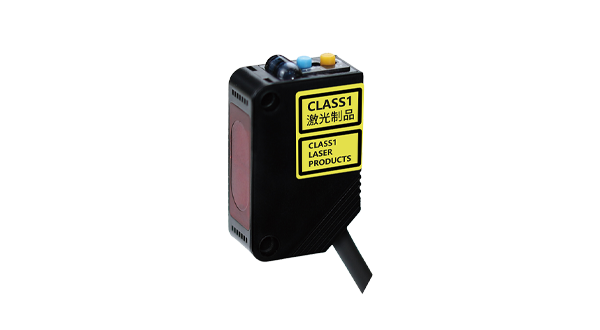










Photoelectric switches are essential components in industrial automation, offering non-contact detection capabilities for various applications. The QS30FF200 photoelectric switch stands out as a reliable solution for precise object sensing, featuring advanced technology that ensures accuracy and durability in demanding environments. This device operates by emitting a light beam, typically infrared or visible light, which is then received by a sensor. When an object interrupts or reflects this beam, the switch triggers an output signal, enabling automated systems to respond accordingly.
The QS30FF200 model is designed with a robust housing that provides resistance to dust, moisture, and mechanical impacts, making it suitable for use in harsh conditions such as manufacturing plants, packaging lines, and material handling systems. Its key specifications include a sensing range of up to 200 meters, depending on the configuration, and a response time that allows for high-speed operations without compromising reliability. The switch supports multiple output types, including NPN, PNP, and relay options, ensuring compatibility with diverse control systems. Additionally, it incorporates features like adjustable sensitivity and built-in diagnostics, which simplify installation and maintenance processes.
In practical applications, the QS30FF200 photoelectric switch is widely used for tasks such as object detection on conveyor belts, level monitoring in silos, and position sensing in robotic arms. Its ability to detect transparent or reflective materials, thanks to polarized filters and background suppression technology, enhances versatility across industries. For instance, in the automotive sector, it ensures precise part alignment during assembly, while in logistics, it facilitates automated sorting by identifying package sizes and shapes. The switch’s long operational life and low power consumption further contribute to cost savings and sustainability efforts.
To maximize the performance of the QS30FF200, proper installation and alignment are crucial. Users should consider factors like ambient light interference, mounting distance, and target material properties when setting up the device. Regular cleaning of lenses and periodic calibration can prevent false triggers and extend service intervals. Compared to mechanical switches, photoelectric alternatives like the QS30FF200 offer advantages such as wear-free operation, higher precision, and reduced downtime, making them a preferred choice for modern automation projects.
As industries continue to embrace smart manufacturing and IoT integration, the role of photoelectric switches evolves. The QS30FF200 can be integrated into networked systems for real-time monitoring and data collection, enabling predictive maintenance and efficiency improvements. With ongoing advancements in sensor technology, future iterations may include enhanced connectivity options and AI-driven analytics. For now, the QS30FF200 remains a dependable tool for engineers seeking reliable object detection solutions that meet rigorous industrial standards.
In summary, the QS30FF200 photoelectric switch combines durability, precision, and adaptability to support a wide range of automated processes. By understanding its features and applications, businesses can optimize their operations and achieve higher productivity levels. Whether used in simple counting tasks or complex robotic systems, this device exemplifies the innovation driving industrial automation forward.